
Integration
Your Calendar, Always in Sync
SpaSphere syncs to Google Calendar automatically
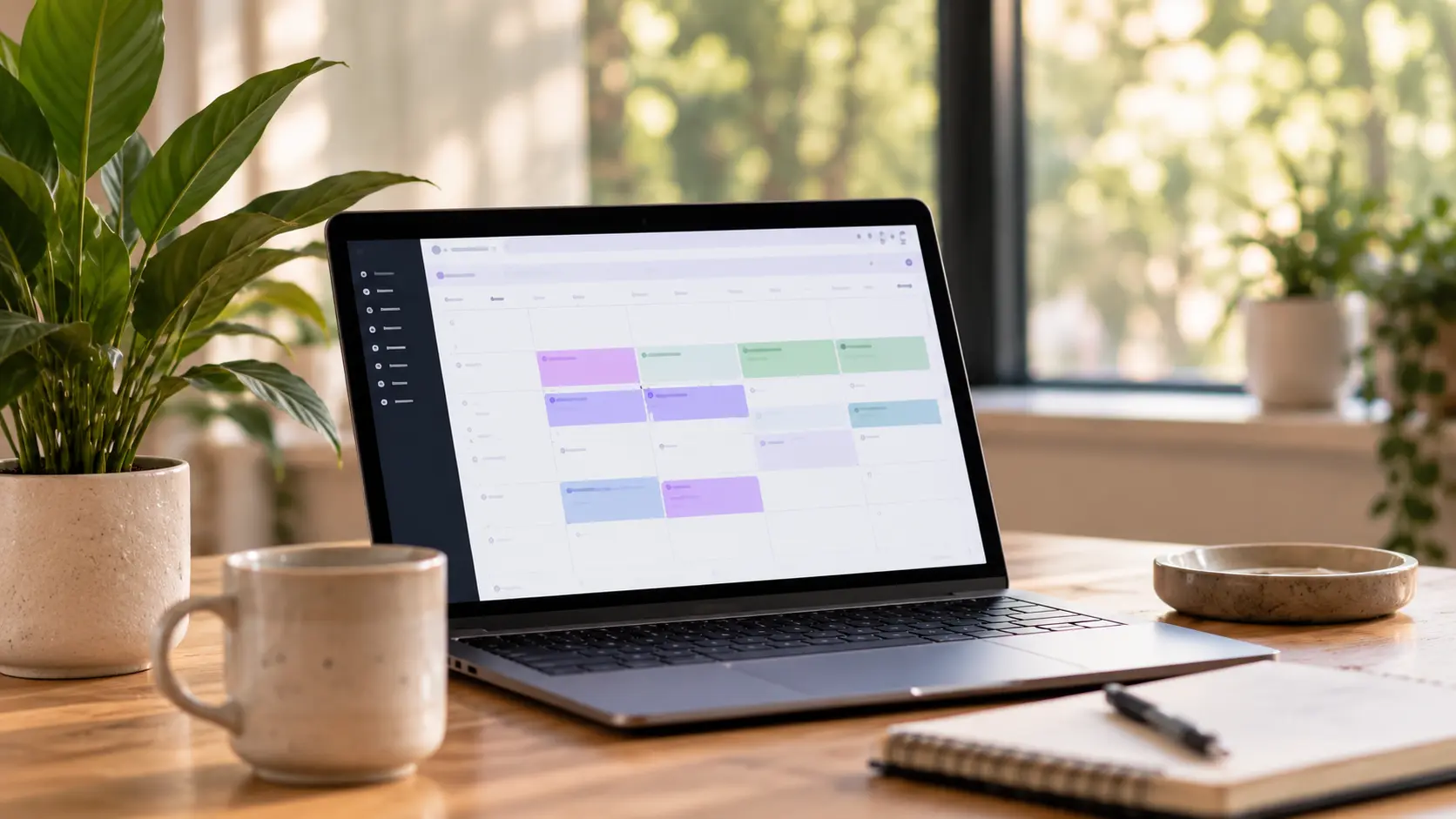
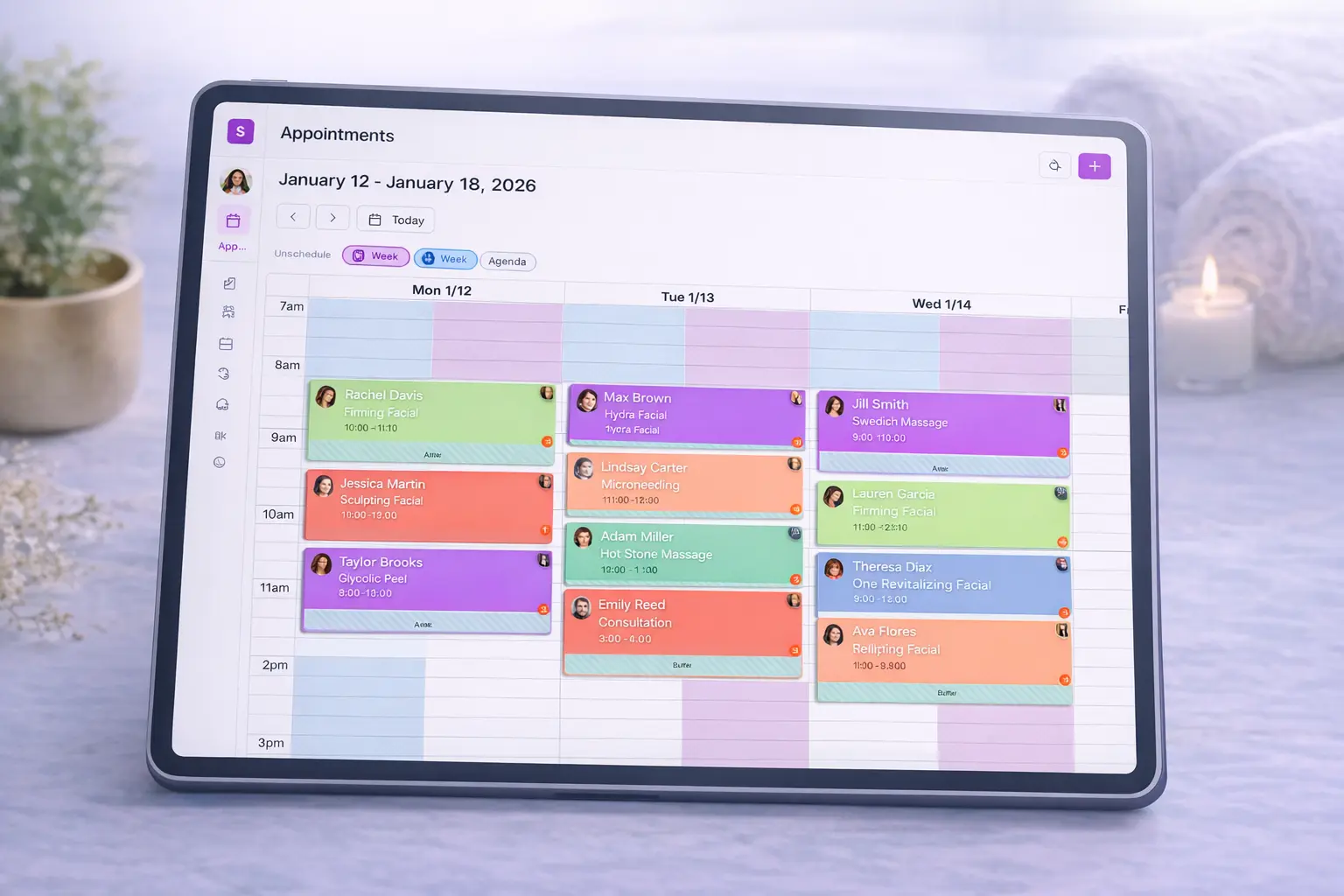
You live in your Google Calendar. Doctor appointments, kids' soccer, date night - it's all there. Now your SpaSphere client bookings show up too. Every appointment, every reschedule, every cancellation syncs automatically. Open Google Calendar and see your whole day - business and personal - in one place. When the appointment comes up, her Daily Brief in SpaSphere has her history and concerns ready.
Why You'll Love It
Automatic Sync
New bookings, reschedules and cancellations update your Google Calendar automatically.
See Everything at Once
Open Google Calendar and see client appointments alongside personal events. One view of your whole life.
Full Appointment Details
Google events show client name, service, duration, and location. Everything you need to know at a glance.
Works on Any Device
Google Calendar on your phone, tablet, computer, smartwatch - SpaSphere appointments are everywhere you are.
Timezone Smart
Traveling? Google Calendar handles timezone conversion. Your appointments show at the right time wherever you are.
How It Works
Connect Google
In SpaSphere settings, click 'Connect Google Calendar.' Sign in and authorize access.
Appointments Sync
Your SpaSphere appointments appear in your Google Calendar, and new bookings sync automatically.
Stay Updated
Client reschedules? You'll see it in Google Calendar immediately. Cancellation? Gone from both places.
Check One Calendar
Open Google Calendar to see your full day. Client facials next to dentist appointments next to school pickup.
Ready to see everything in one place?
Connect Google Calendar from your settings. Just $1 for your first 30 days.
✓ Cancel anytime · ✓ We move your data in 48 hours · ✓ No commitment